2026-01-29 JST-EH Extension Cable Wiring Fix
Warning
This page is translated by LLM and may contain some inaccuracies. 中文版 (Chinese Version)
This document records the process of fixing the JST-EH extension cable wiring error on 2026/01/23.
Background
The official BOM requires us to purchase JST-EH Cables and Housings. However, spending around 40 TWD for a single 3-pin JST-EH extension cable is not cost-effective, so I tried purchasing pre-crimped wires.
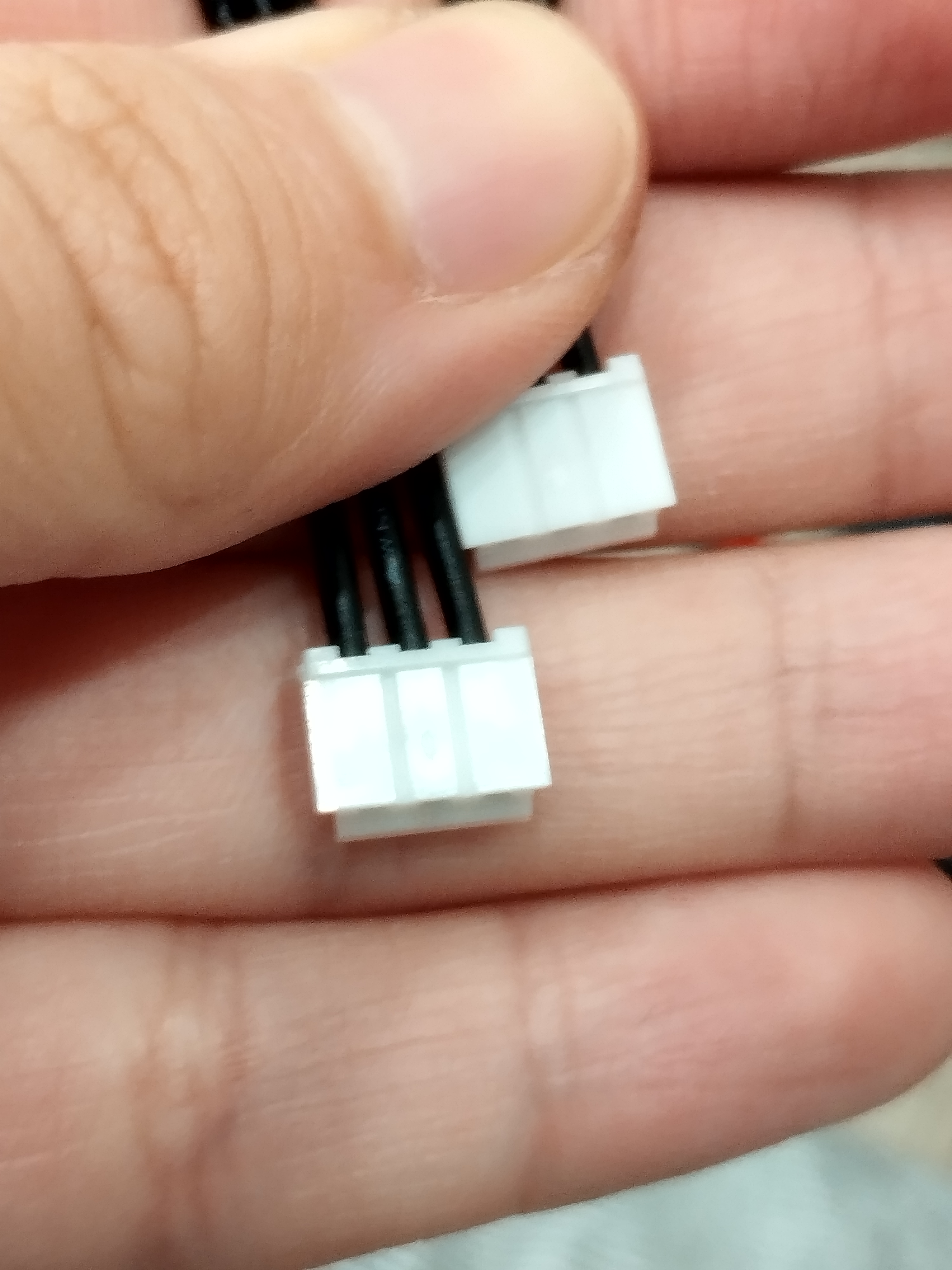
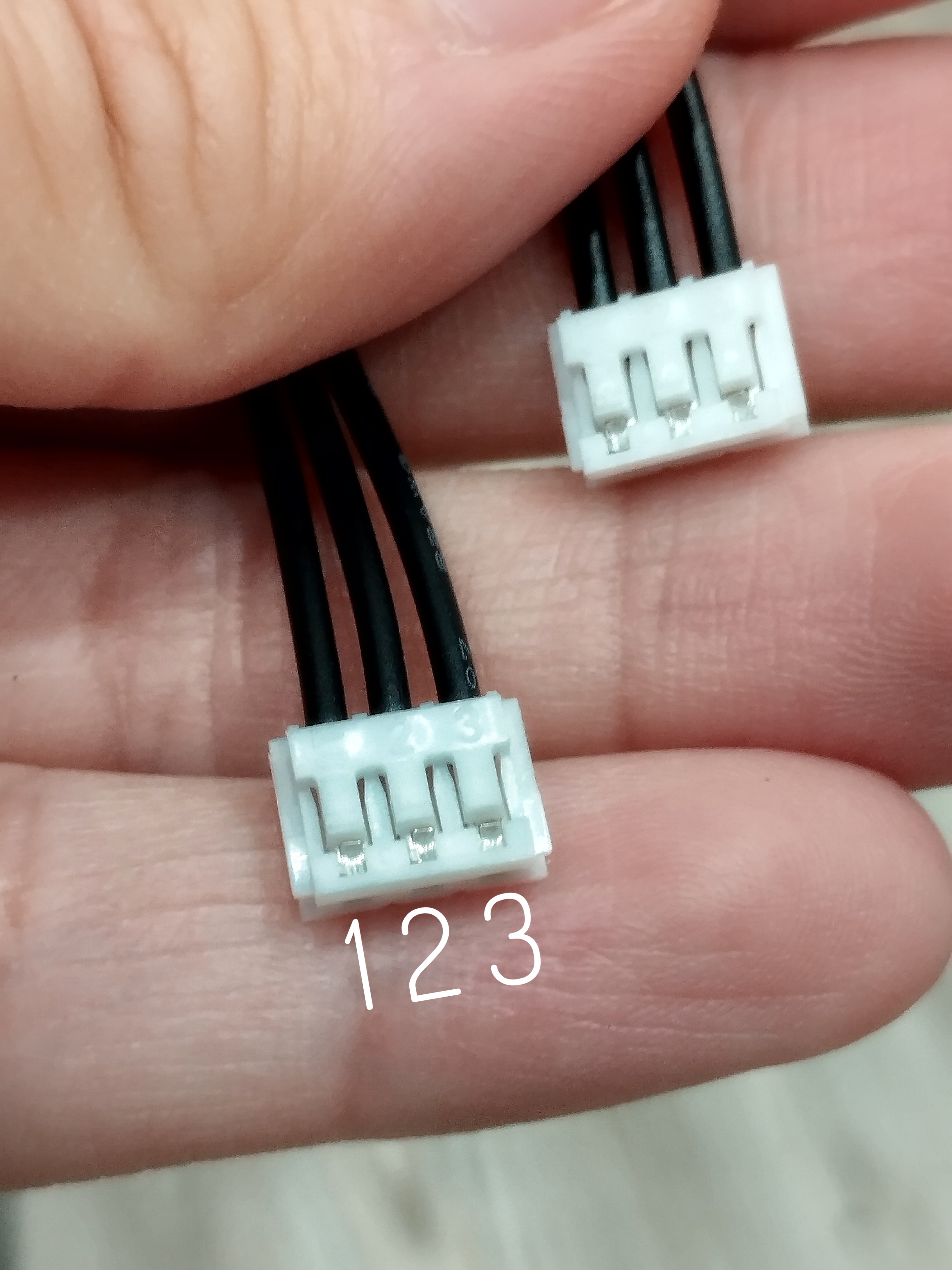
However, as shown in the image, if we name the pins 1, 2, and 3, there are theoretically two ways to connect them. Unfortunately, we bought the 1-3’ 2-2’ 3-1’ type, but Dynamixel requires 1-1’ 2-2’ 3-3’.
Solution
If you don’t want to repurchase, you have to find a way to back out pins 1 & 3 from one end and re-insert them correctly. Here is our method—I was sitting on the floor at the time, but you might find a more elegant way.
Hold the plastic connector housing on one end.
Step on the wire connected to pin 3 to fix it (or secure it in another way), leaving the other two loose.
Pull the plastic housing towards you while gently prying the rightmost plastic tab with a flathead screwdriver.
Be careful not to use too much force, or the plastic might deform, affecting its ability to lock the terminal again.
If successful, you can pull the wire out along with the metal terminal.
Do the same for pin 1.
Insert the wires back in the correct order. Ta-da! Done!
Contribution Log
Operator & Author: Kevin Pan (@XiaoPanPanKevinPan)